Take the controls
Control the chassis and gimbal with a keyboard or joysticks, and look around through the robot’s camera.
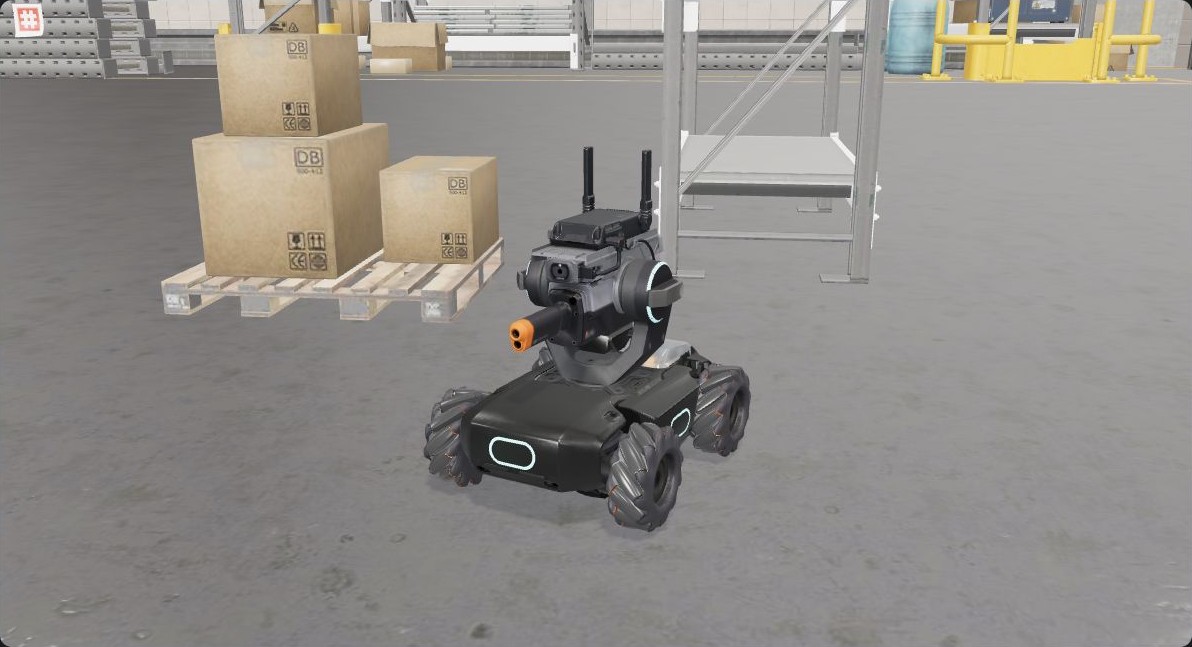
Control the chassis and gimbal with a keyboard or joysticks, and look around through the robot’s camera.
Open a preset and make it your own. Run it on the robot, read the logs and adjust the next action.
Describe your idea and let AI help write the script. You review the code and approve execution.
Start with a musical sprinkler, a space launch or a firefly garden. Read the program, change a light, a sound or a movement, and build from there.
Browse the code and scriptsThe code, scripts and implementation are open to explore.
AI-generated control scripts require approval. Saving a script does not run it.
Hardware validation is from RoboMaster S1. See the project documentation for capability details and validation. Hanppie is an independent project, unaffiliated with DJI.
The landscape workbench for iPhone and iPad is available as source and an unsigned archive. Use Xcode to sign and install it.